User Guide
How to run it: the panel knobs, tempo and tap, speed and reversing, the lighting, the web pages, OSC, network setup, safety and troubleshooting.
For: anyone using the turntable
Documentation for the Uncle Magic's Liquid Turntable - a Beat Reactive, color turntable for Liquid Light Shows and other underlit tomfoolery. Reads OSC tempo information from Pulse, BPM from Resolve, and tap tempo.
Nothing matches. Clear the filter to see everything.
How to run it: the panel knobs, tempo and tap, speed and reversing, the lighting, the web pages, OSC, network setup, safety and troubleshooting.
How it is built: the boards, power rails and protection, signal flow, connectors, the LED ring board, the motor and mechanics, the supply, ordering.
The things that catch people out, with short answers: a phone browser that can't reach the unit (Android's Nearby devices permission), Art-Net that doesn't arrive, presets that weren't kept, the tempo, network and power.
A picture-by-picture guide to prototyping the whole controller on three breadboards: the ESP32, the motor driver, the panel, the lighting and an optional fan, with a wire table and a test at each step.
The unit's own Live control, LEDitor and settings pages working in a browser with no turntable: start and stop the platter, set the tempo, change presets and palettes, use both editors on the real LED engine's output, and look through every settings tab as a unit comes. One file, no internet needed; nothing is kept after a reload.
Reading the HTML on GitHub? GitHub shows .html files as source. Use the Markdown links, or clone the repository and open the HTML in a browser.
The unit itself also serves the User Guide, the Hardware Overview and the FAQ at /docs/USER_GUIDE.html, /docs/HARDWARE_OVERVIEW.html and /docs/FAQ.html, with no internet needed.
Markdown documents. The README is the short design reference; the detailed README keeps the reasoning behind the choices; the changelog is the history.
| Document | What it covers | Format |
|---|---|---|
| README | Short design reference: hardware, firmware pinout, OSC and web APIs, design notes, building and flashing, testing, board notes, heat, open items, repository layout. | MDREADME.md |
| README (detailed) | The full design discussion with the reasoning behind each decision. | MDREADME_DETAILED.md |
| Changelog | Dated record of design and firmware changes, newest first. | MDCHANGELOG.md |
| Documentation build | Rebuilds the two HTML guides and the copy embedded in the firmware from their Markdown (python docs/build_docs.py). | PYbuild_docs.py |
For driving the ring from lighting software over Art-Net or sACN (the unit's Art-Net / sACN effect). Pick the file and mode that match Layout on the unit's Art-Net settings; the User Guide's lighting section says how each is used.
| File | What it is for | Download |
|---|---|---|
| GDTF fixture | Lighting consoles and visualisers (grandMA3, ETC Eos, ChamSys MagicQ, Avolites Titan, Onyx, Vectorworks, Capture). A mode for each layout: 2 universes (178 pixels), 1 universe (170 elements) and Grid (31 x 15 over three universes); each pixel at its place on the ring. | GDTFUncle Magic@Liquid Turntable@2026-11-18.gdtf |
| Resolume Arena | The Grid layout as one fixture (31 x 15 RGB pixels) and an Advanced Output setup with it in one slice over the ring. The fixture goes in Documents/Resolume Arena/Fixture Library, the setup in Presets/Advanced Output. | XMLFixture XMLAdvanced Output |
Schematics, PCB outputs and the JLCPCB order files for the two boards. KiCad sources (.kicad_sch, .kicad_pcb) are in each board's folder.
kicad_mainboard/)| Item | What it is | Files |
|---|---|---|
| Schematic | All five sheets (power, controller, motor, LED, panel IO), rendered. | PDFMainboard_schematic.pdf |
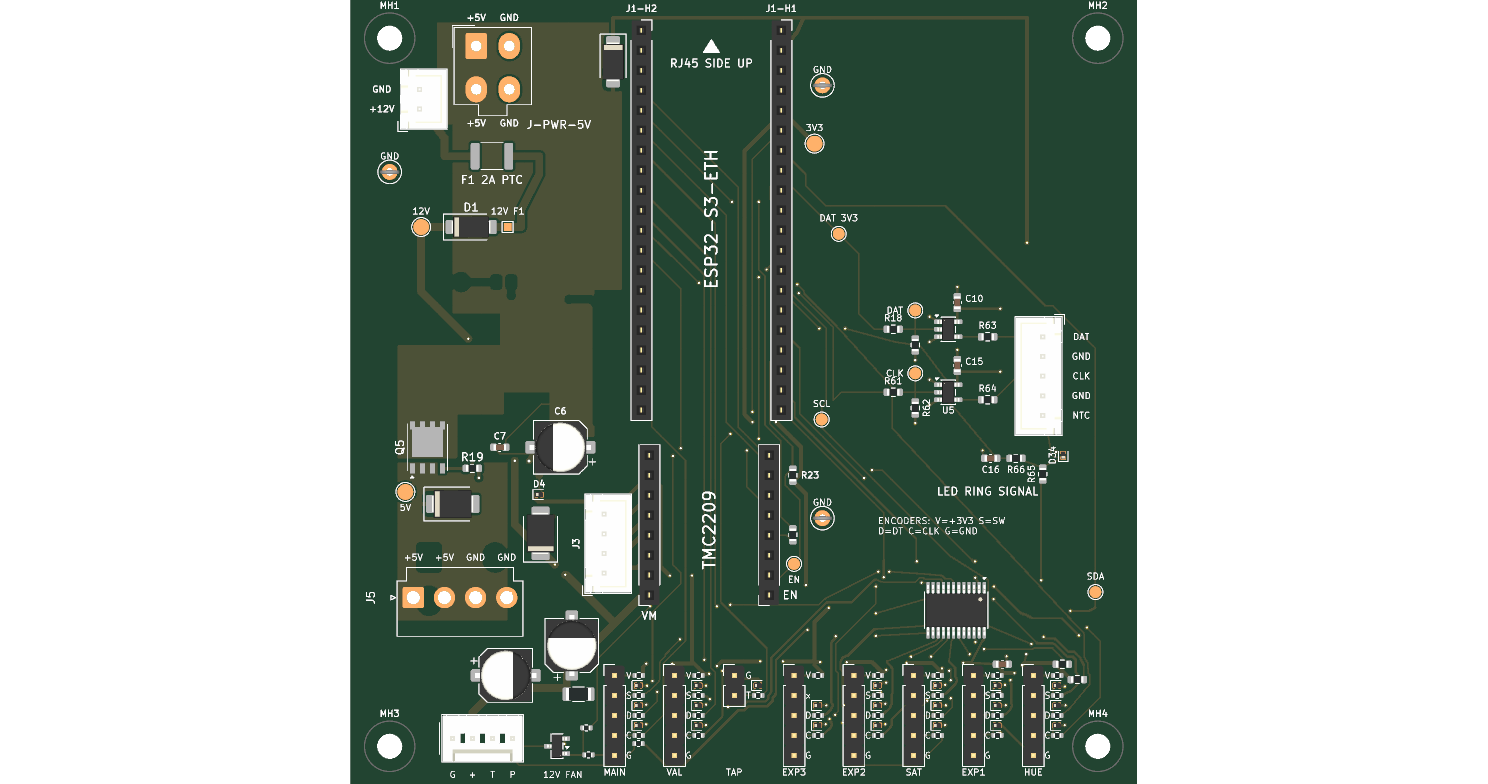
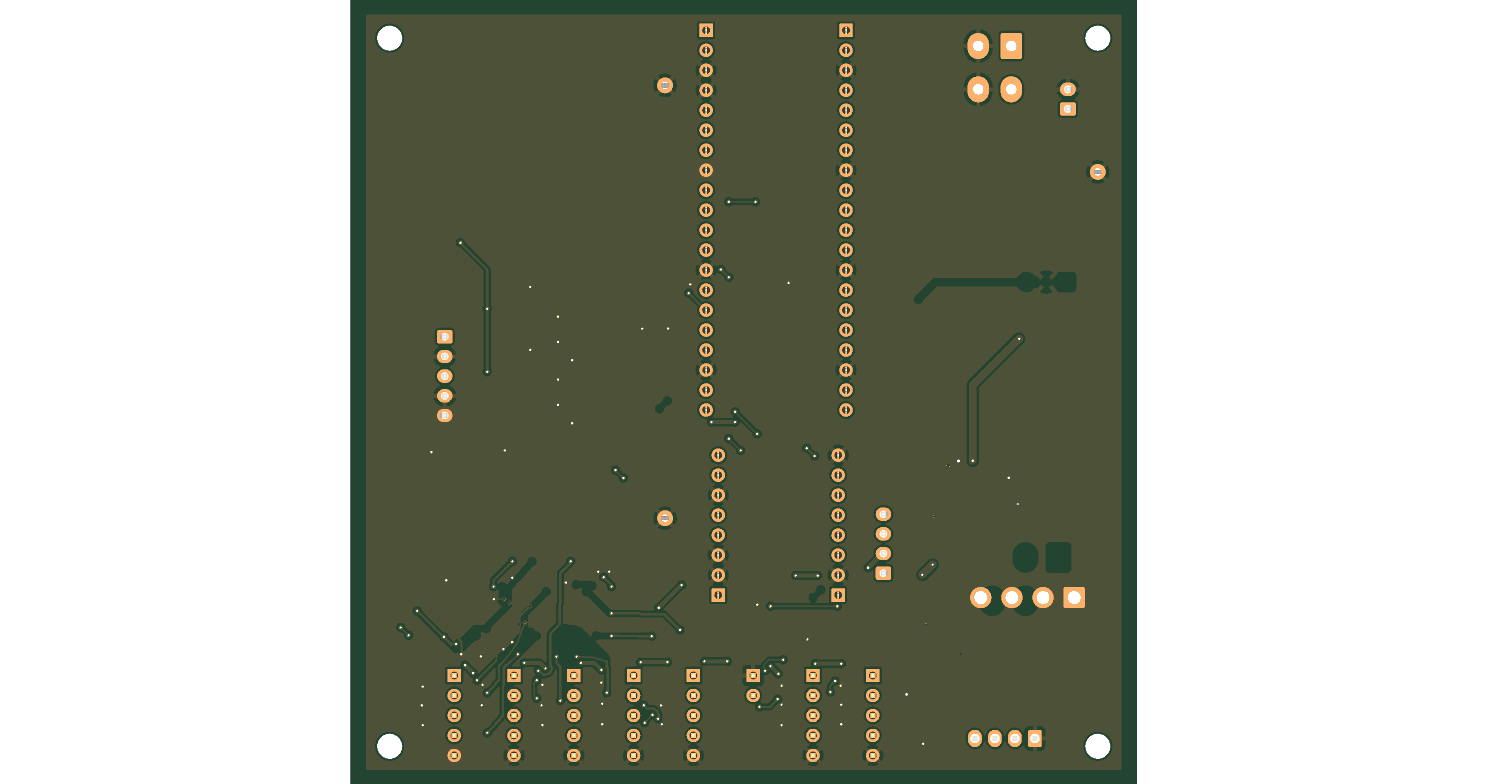
| PCB renders | Top and bottom views of the routed board. | PNGTopPNGBottom |
| Check reports | Latest electrical-rules and design-rules runs. | RPTERCRPTDRC |
| JLCPCB order notes | Part numbers, library types, orientation checks and the dated order history. | MDREADME.md |
| Assembly cost comparison | SMD-only against full (SMD and through-hole) assembly. | MDASSEMBLY_COMPARE.mdCSVrollup |
| BOM, placements and cost | Bill of materials and placement files for JLCPCB, and the priced BOM. | CSVBOM fullCSVBOM SMDCSVCPL fullCSVCPL SMDCSVPriced BOM |
kicad_led_ring_offset/)| Item | What it is | Files |
|---|---|---|
| Schematic and PCB | 178 SK6812 LEDs in an offset (brick) matrix, 203 mm square. | PDFSchematicPDFPCB |
| Check reports | Latest electrical-rules and design-rules runs. | RPTERCRPTDRC |
| JLCPCB order notes | Part numbers, the placement-import finding and the order history. | MDREADME.md |
| Assembly cost comparison | SMD-only against full assembly. | MDASSEMBLY_COMPARE.mdCSVrollup |
| BOM, placements and cost | Bill of materials and placement files, and the priced BOM. | CSVBOM fullCSVBOM SMDCSVCPL fullCSVCPL SMDCSVPriced BOM |
Drafts for the case and the motor mount. None of it is built or tested yet.
| Item | What it is | Files |
|---|---|---|
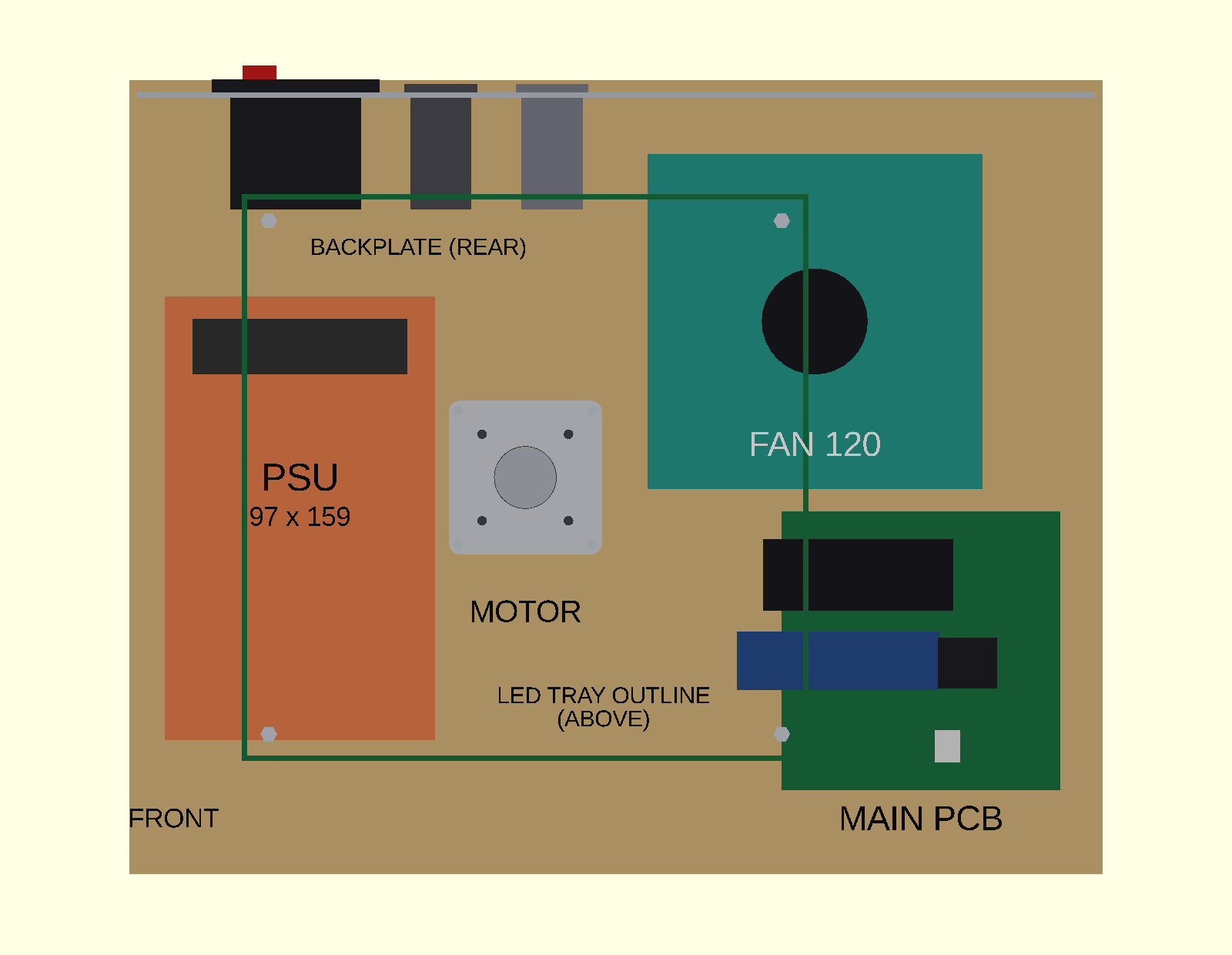
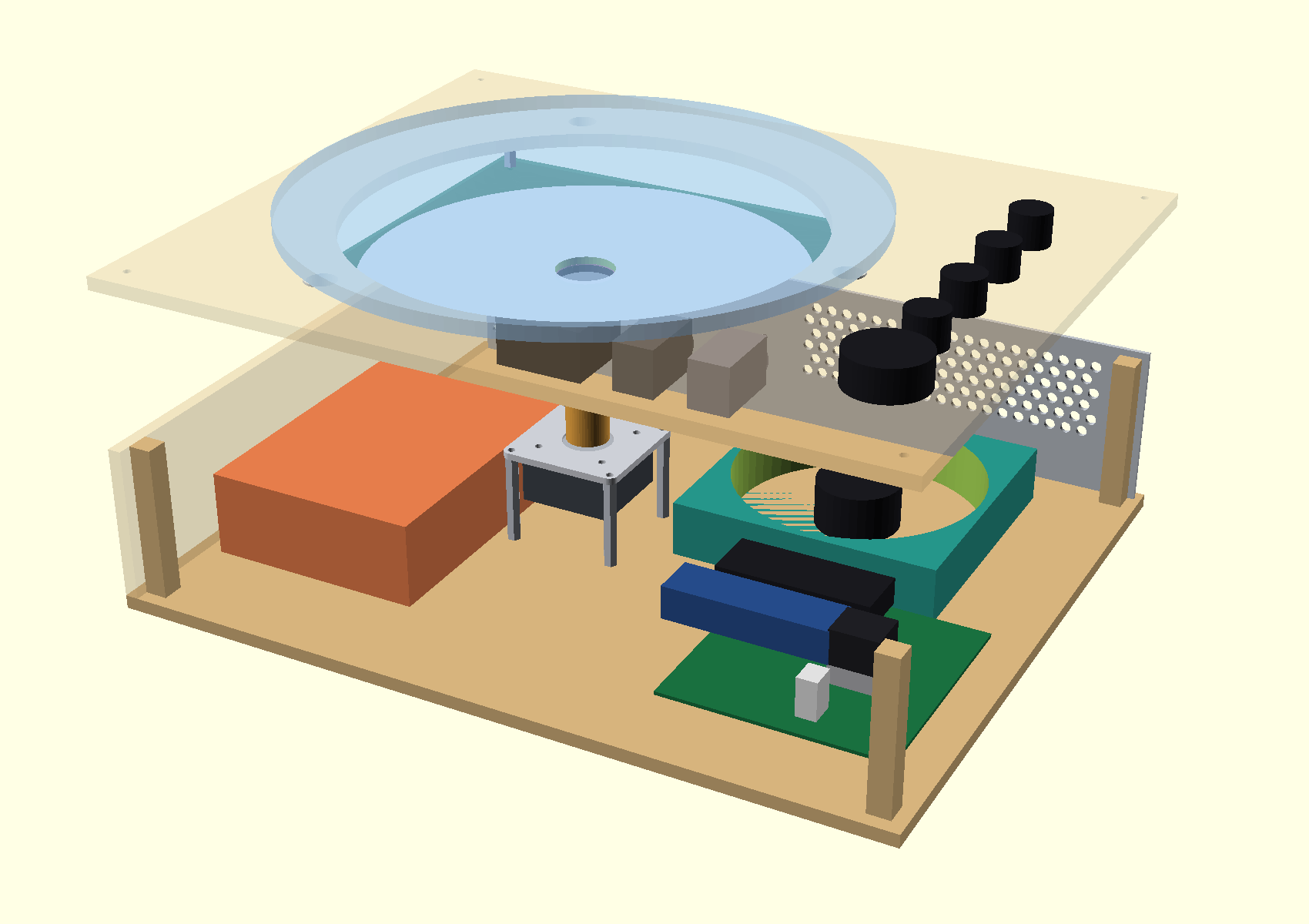
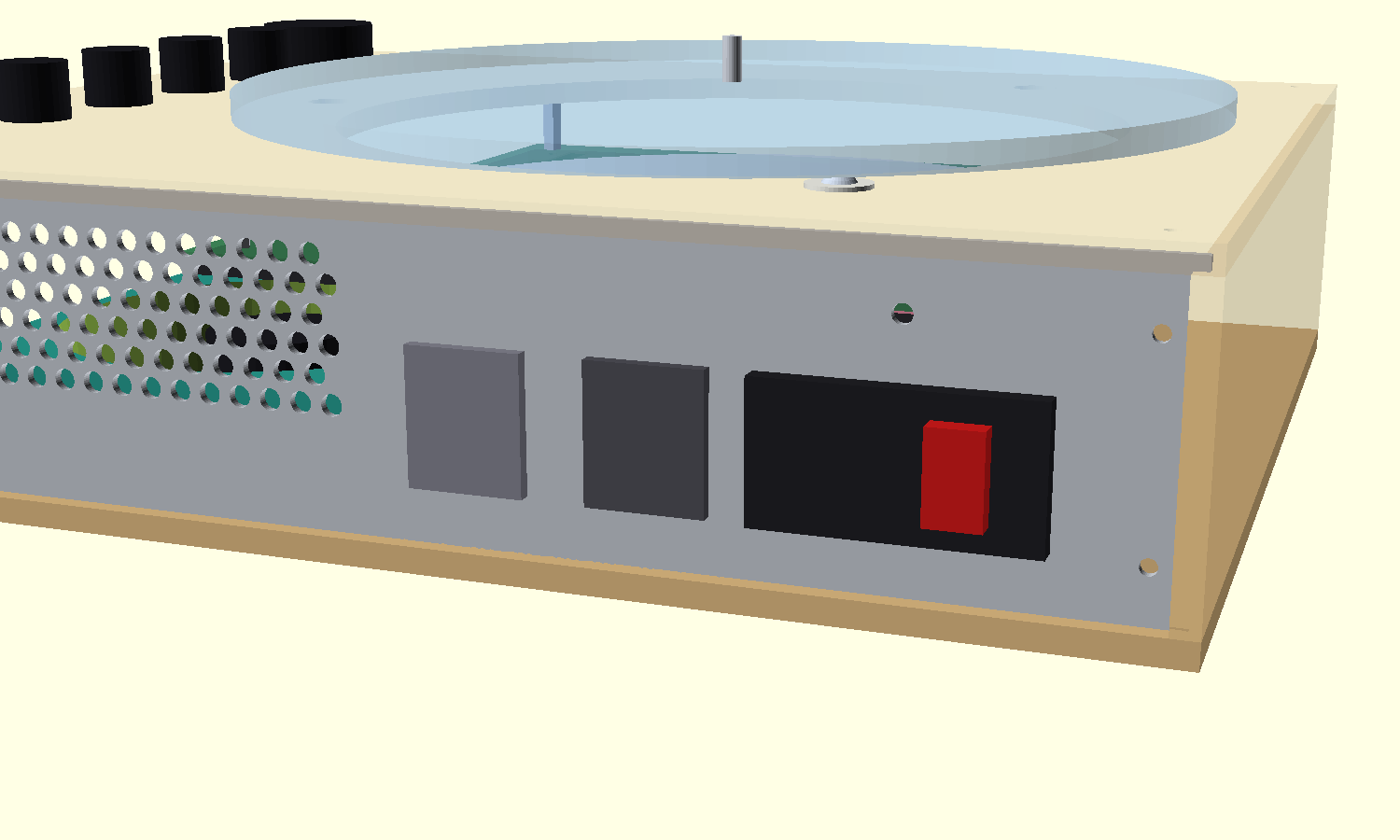
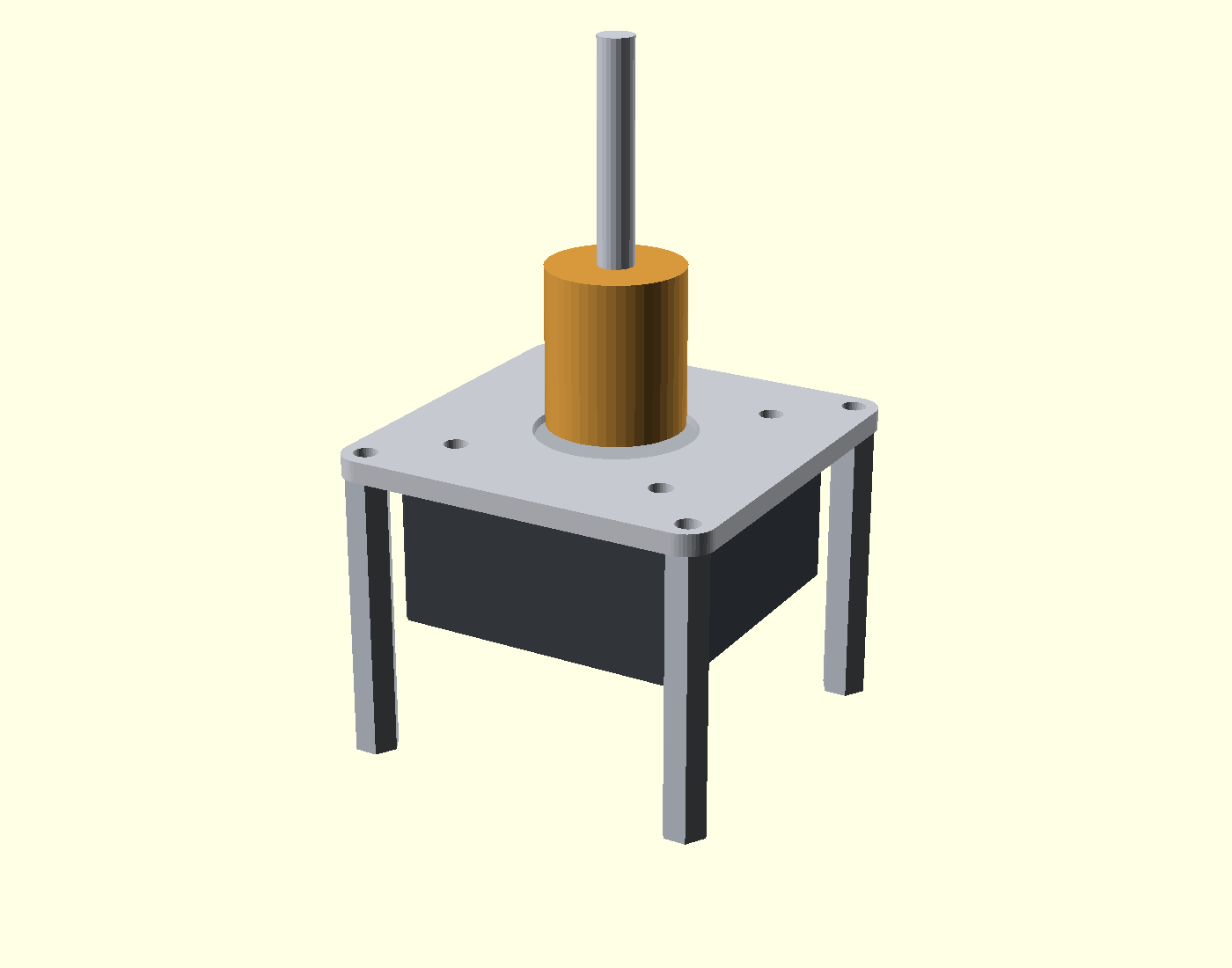
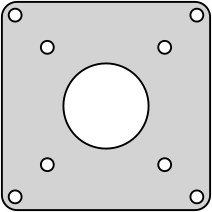
| Motor mount and box layout | Suggested 14.2 x 11.1 in layout, the height stack, the aluminium motor plate on standoffs, the inset aluminium backplate (grooved in for leak protection), the ring heat plate, earthing and the assumptions to check. | MDMOTOR_MOUNT.md |
| Renders | Plan view, exploded 3D view, backplate close-up and the mount. | PNGPlanPNG3DPNGBackplatePNGMount |
| OpenSCAD sources | Parametric models for the layout and the motor mount. | SCADlayoutSCADmotor mount |
| Tinkercad and cutting files | A page with a ZIP of everything and one closed-mesh STL per part of the case and mount, plus the motor plate, backplate and ring heat plate outlines as SVG and DXF for cutting. export_stl.py regenerates and checks them. | HTMLTinkercad pageZIPAll filesDXFMotor plateSVGMotor plateDXFBackplateDXFRing heat platePYexport_stl.py |
| Diagram | What it shows | File |
|---|---|---|
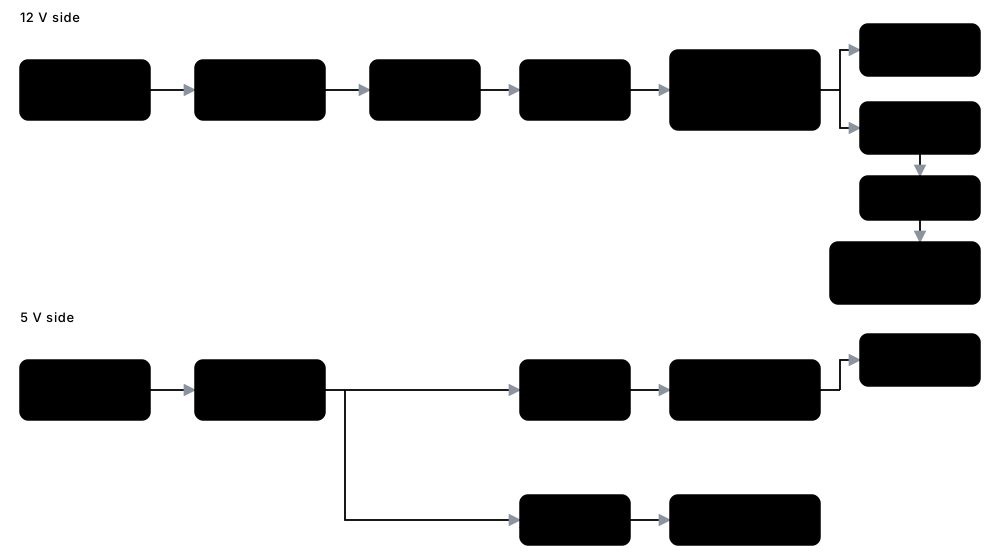
| Power flow | 12 V and 5 V supplies through the fuses and protection to the motor rail, the regulator and the LED ring. | SVGpower-flow.svg |
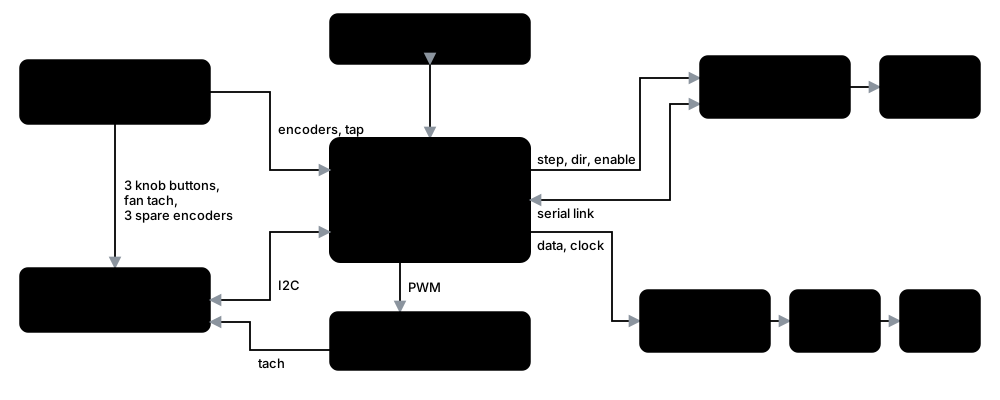
| Signal flow | The processor, the motor driver, the expander, the LED ring's data and clock through their buffers, and the panel controls. | SVGsignal-flow.svg |
| One-universe Art-Net pairs | The ring from the front with the eight pairs of LEDs that share an element in the one-universe Art-Net layout, and the channels each takes; hover over an LED for its address. | SVGartnet-single-pairs.svg |
 Live page
 LEDitor
 Status
 Network
 Defaults
 LEDs
 Motor & fan
 Password
 Backup
 Log
 Firmware update